text
Content
1 min read
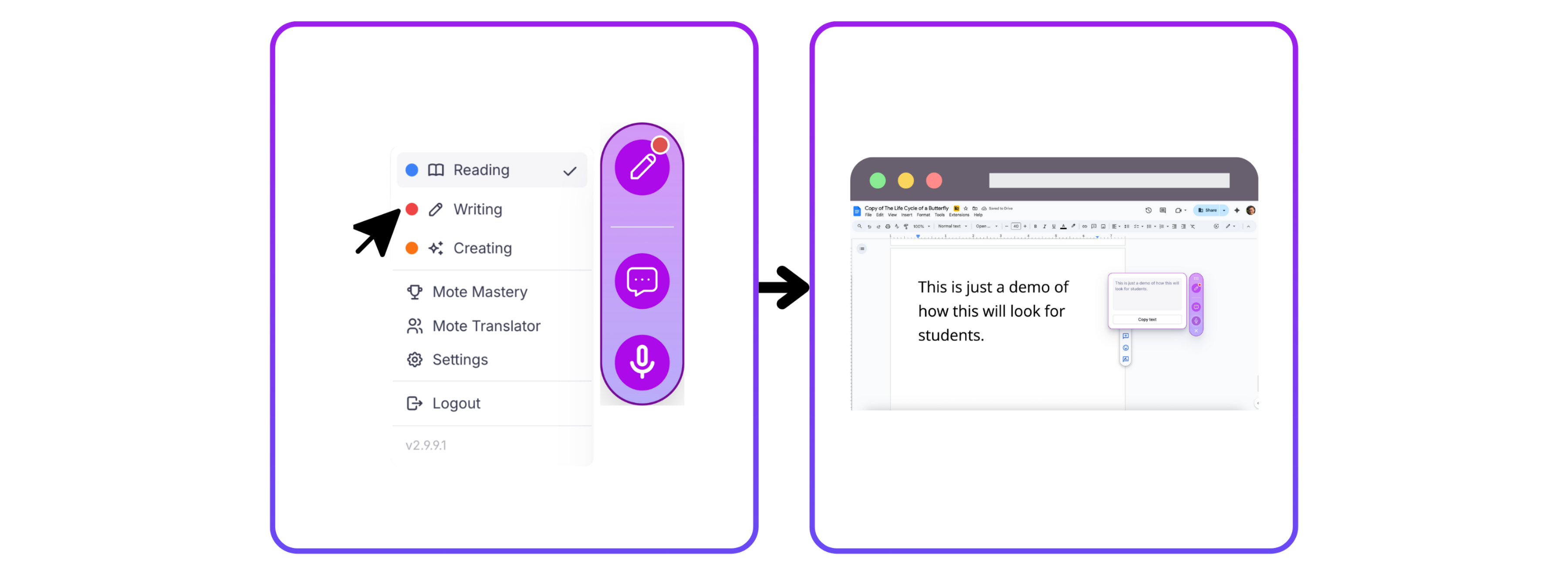
Go to Creating Mode to record your voice, upload audio files and generate voice notes.
1. Voice Recording
To record your voice, click on the voice recording button then press the Mote button and begin recording! You can your awesome recording by link or QR code!
2. Audio Generation
To generate audio from text, click on the audio generation button and type in the words you want to turn into speech. You can share your recording by link or QR code!
3. Audio Upload
Audio upload allows you to drop an mp3 file into Mote to create a shareable voice message!
4. My Content
The my content button allows you to go to your Mote library with all your recorded Motes.
Lesson 1•Course: For Students: Getting Started with Mote
Mark as complete