Content
IMPORTANT: Students must install the Mote Chrome Extension to use the Auto Read Aloud tool in Google Forms.
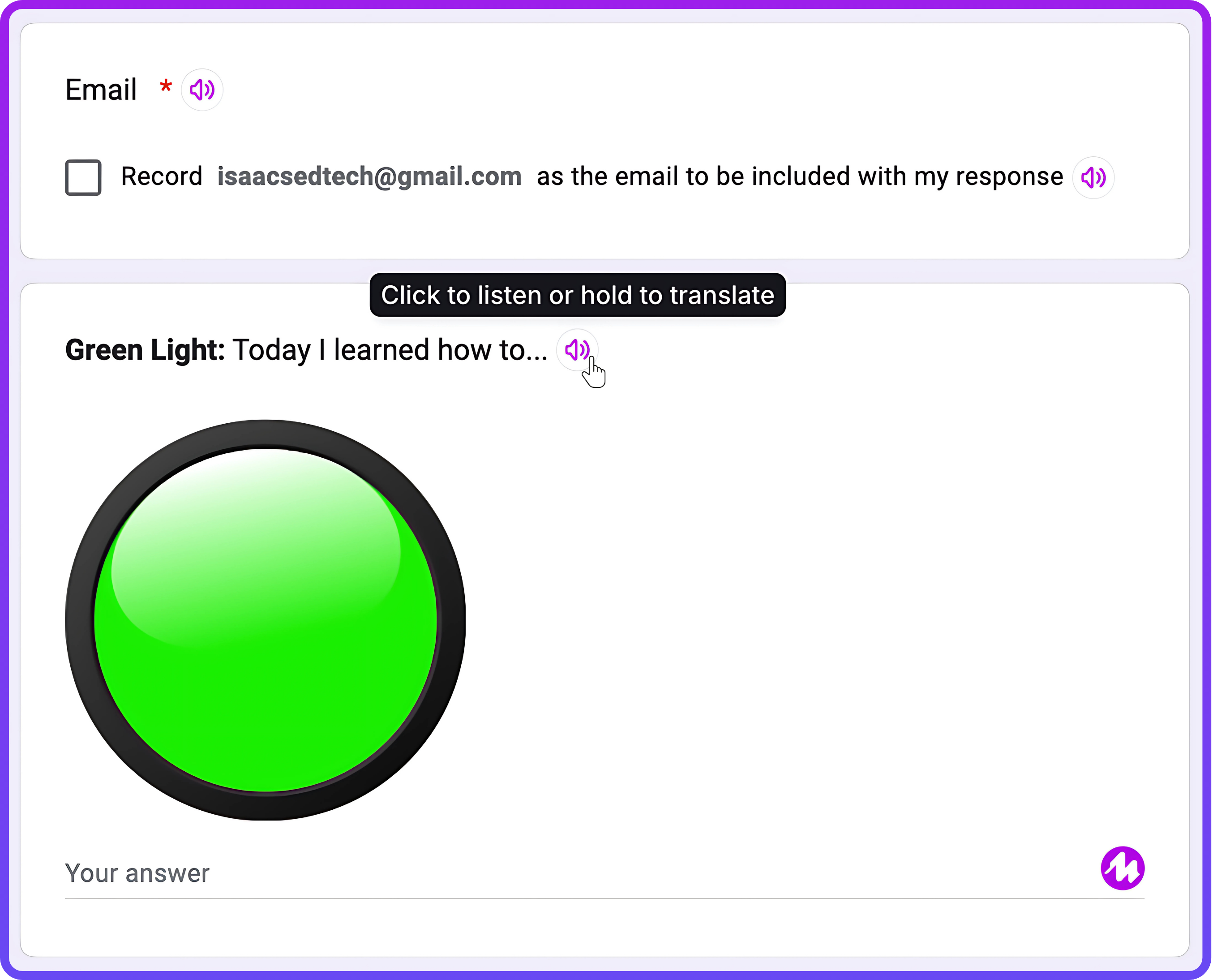
Students completing a Google Form with Auto Read Aloud enabled will notice a small, purple sound icon to the right of any listed text.
Learners can click on these speaker icons to have the text read to them or long-click with 'Translation' activated to pull up a translatable text transcript.
Respondents can then listen to the translated text in the language that best suits their skills and needs. As the text is read aloud, words are highlighted, making it easier for individuals to follow along and pause playback at appropriate times.
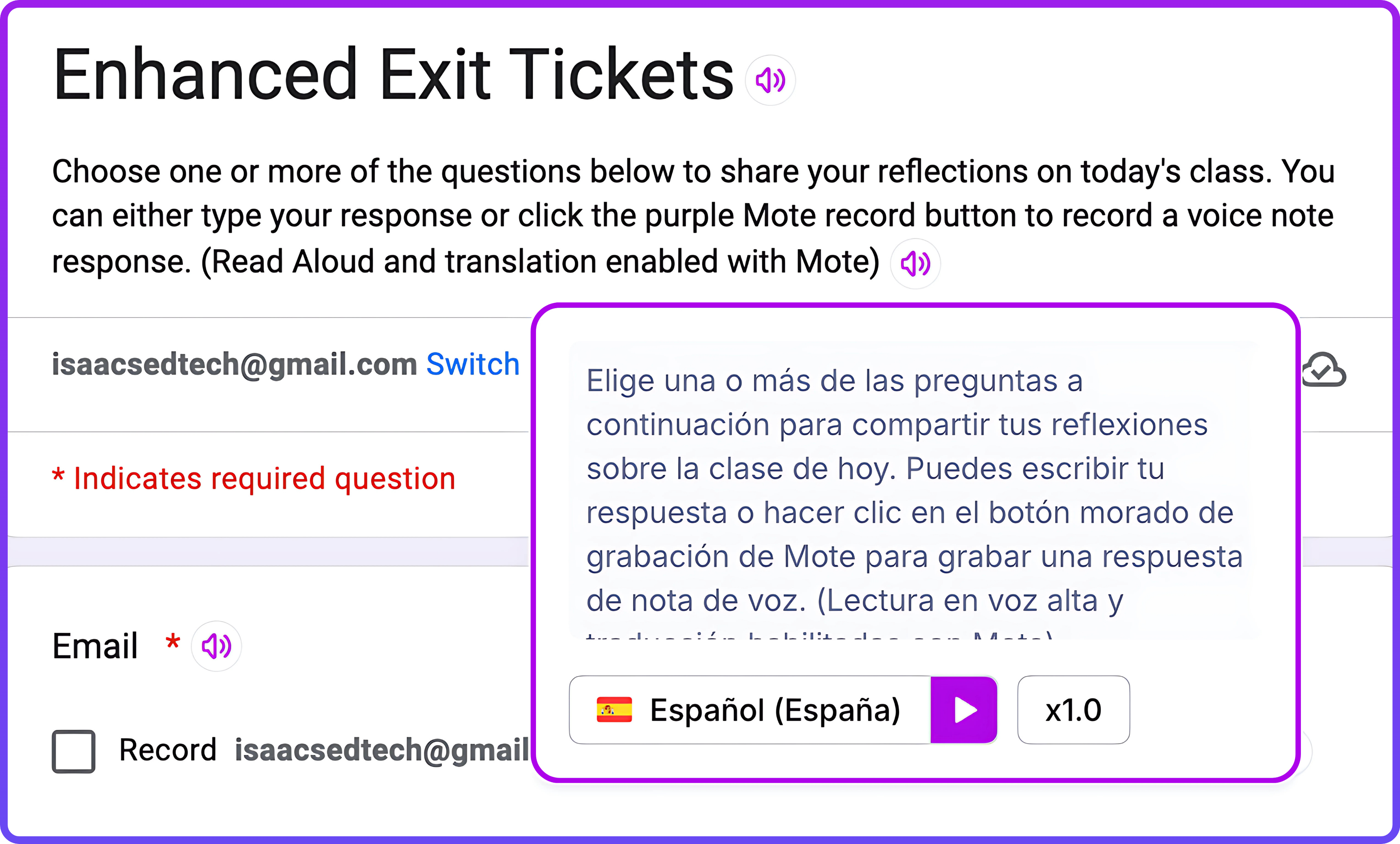
With Mote's Auto Read Aloud feature, students gain the tools to navigate and understand Google Forms more effectively, regardless of their language or reading proficiency. Combining audio playback, translation, and real-time text highlighting ensures an inclusive experience tailored to diverse learner needs.
Are you ready to see this Mote feature and more in action? The resources in the next section by Brittany Horn and Alex Isaacs illustrate all you can do with this extension to provide more effective accommodations for diverse learners!